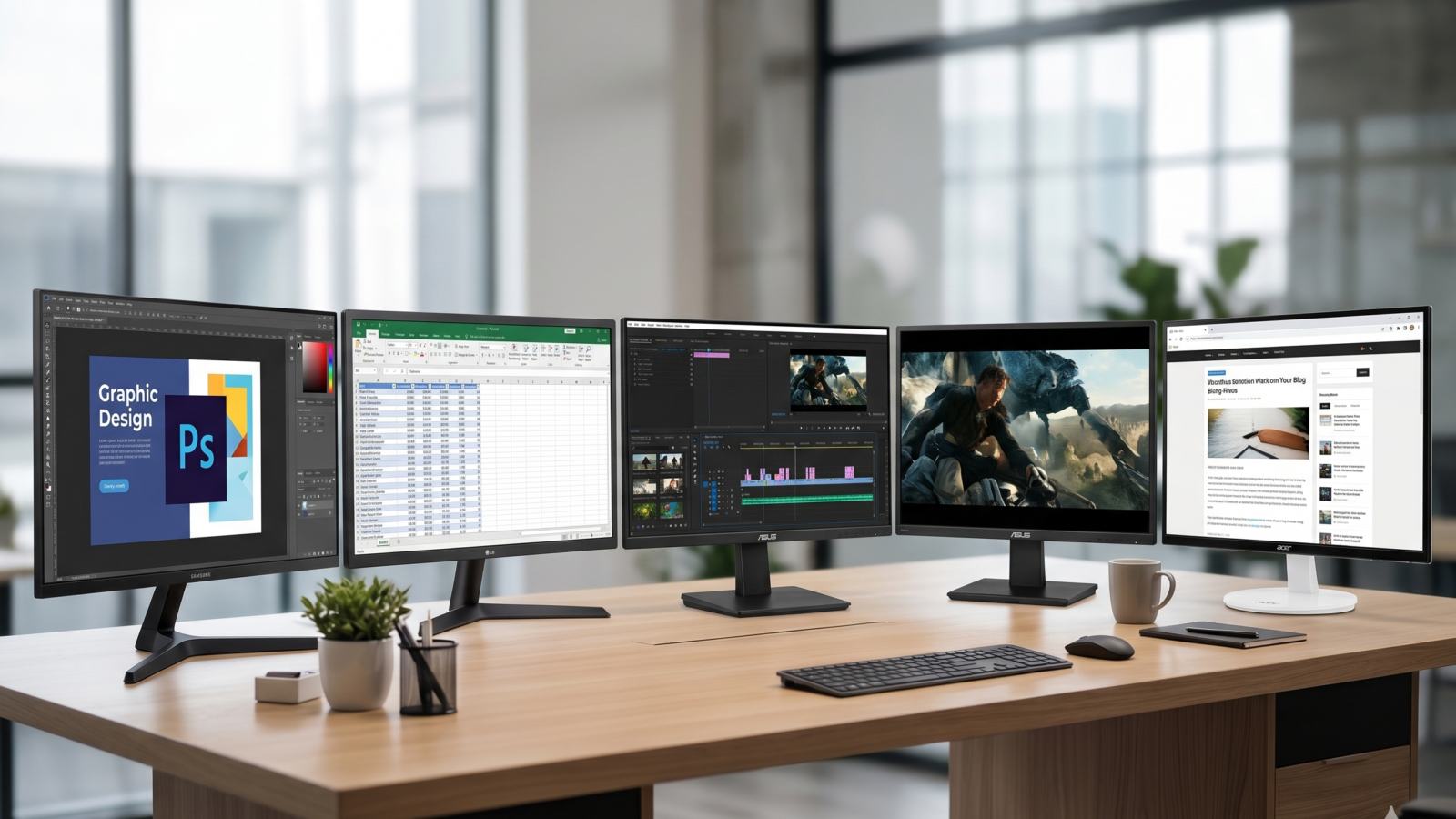
Upgrading a workspace or home office often comes down to a choice between space and budget. The latest generation of *32-inch budget monitors* answers this dilemma by bringing expansive digital real estate to entry-level price points.
By focusing on a smooth 75Hz refresh rate, versatile panel tech, and advanced eye care settings, these screens effectively replace cramped dual-monitor setups with a single, sweeping workspace. Whether you are manipulating large spreadsheets, reviewing codes, or streaming films after hours, these Amazon favorites prioritize clean contrast and split-screen efficiency.
Here are the 5 best budget 32-inch displays on Amazon right now, led by a sleek favorite for business multi-tasking.
| Model | Panel Type | Refresh Rate | Best For |
|---|---|---|---|
| Samsung S30B | VA Panel | 75Hz | Seamless Business Setups |
| LG 32ML600M-B | IPS Panel | 75Hz | Photo Editing & Color |
| Sceptre E325W | VA Panel | 75Hz | Ultra-Budget Economy |
| ASUS VY329HE | IPS Panel | 75Hz | Heavy Antibacterial Use |
| Acer KA320HQ | VA Panel | 60Hz | Simple Text Processing |
Find these products and more on Amazon.
Samsung 32-Inch S30B Business Monitor: The Multi-Display Anchor
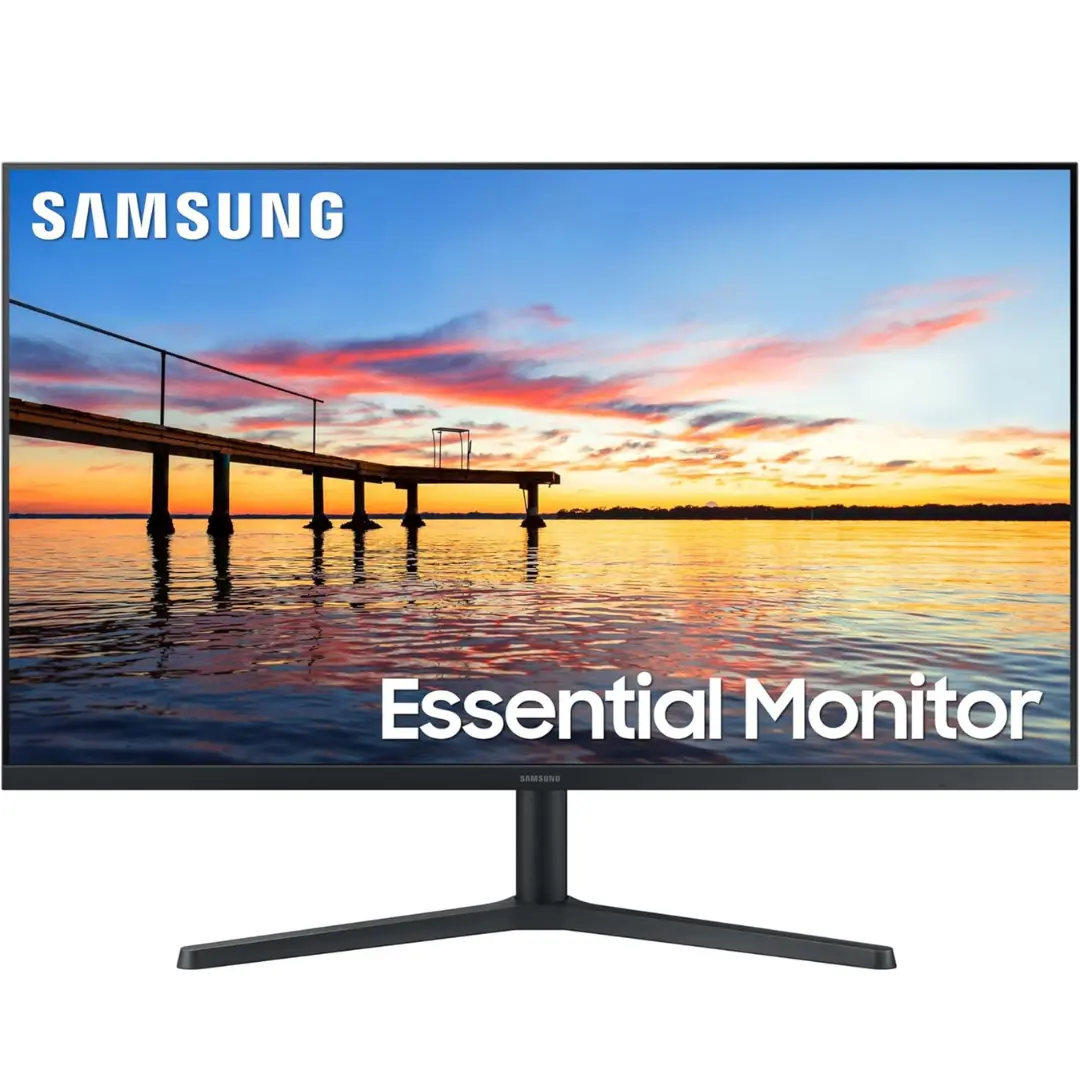
The Samsung S30B (LS32B304NWNXGO) is a standout for modern home offices that lean heavily into multi-tasking. Featuring an expansive VA panel and an ultra-slim, three-sided borderless aesthetic, it maximizes active screen area while providing incredibly deep, stark contrast.
Pros: Micro-bezel design aligns perfectly for virtually gapless dual-monitor arrays; standard 4,000:1 static contrast makes document text bold and easy to read; comes packaged with both HDMI and DisplayPort cables.
Cons: Does not feature integrated speakers; at Full HD ($1920 \\times 1080$), text can appear slightly soft if you sit too close to the screen.
LG 32-Inch 32ML600M-B Monitor: The Color Specialist
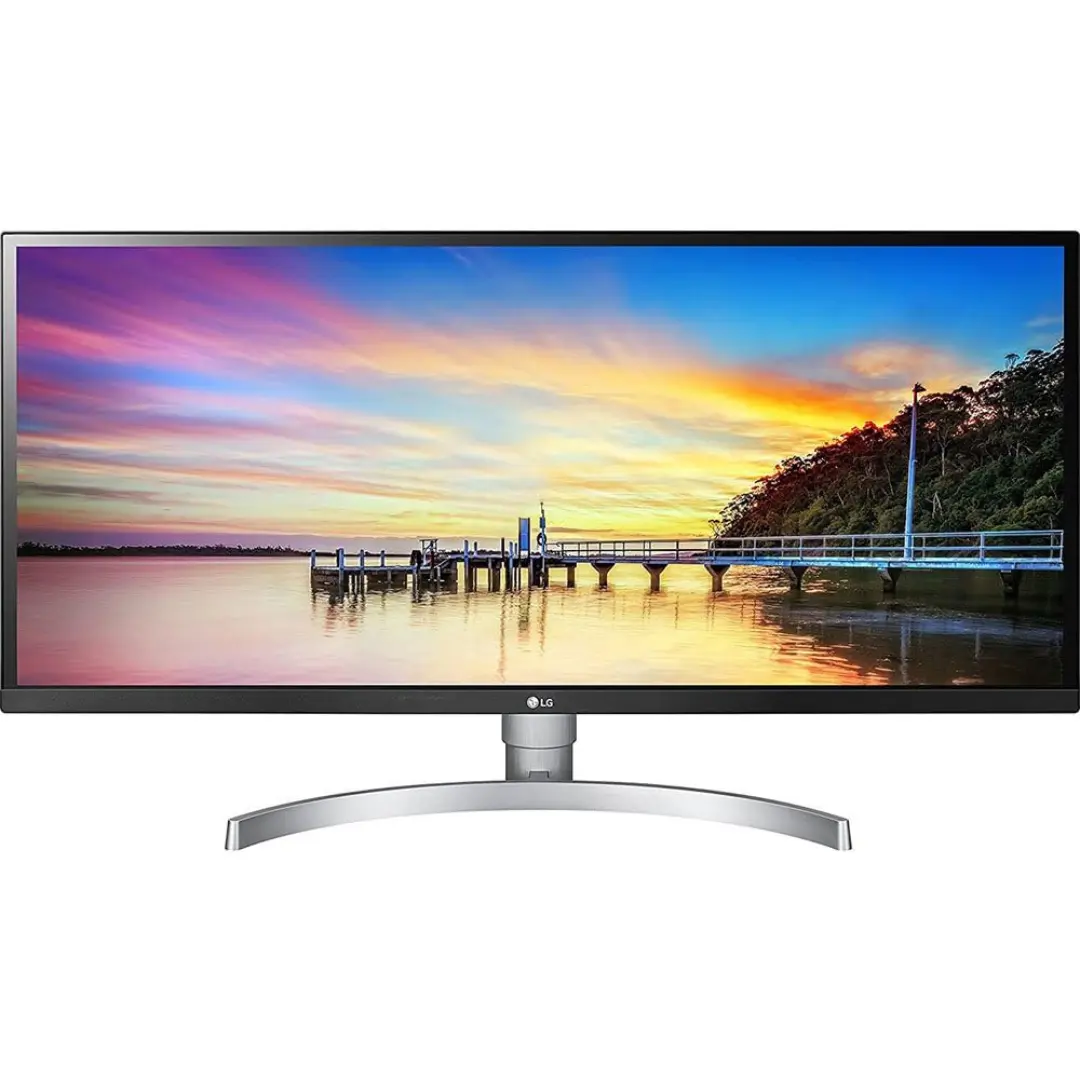
For those who dabble in graphic design, casual photo editing, or content creation, LG offers an alternative powered by an IPS panel. Unlike VA panels, this display covers 95% of the DCI-P3 color gamut, giving you incredibly accurate, vivid hues across a wide viewing angle.
Pros: HDR10 compatibility brings out striking color depth in streaming videos; IPS panel ensures no color distortion even when viewed from extreme side angles; includes built-in headphone out routing.
Cons: The static contrast ratio (1,200:1) is noticeably weaker than the Samsung, meaning blacks can look slightly grey in dark rooms; the stand offers minimal tilt adjustments.
Sceptre 32-Inch E325W-19203R: The Economy King
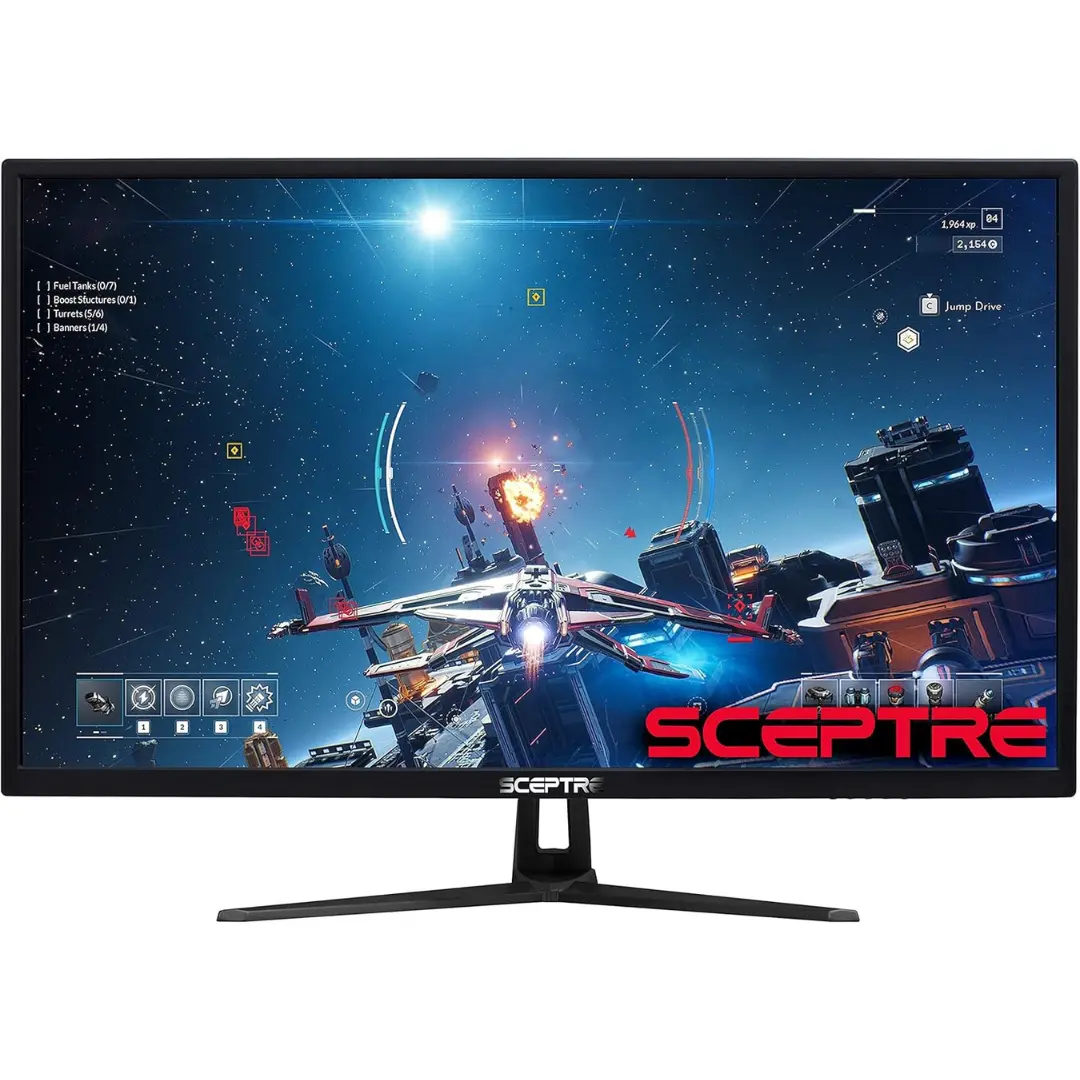
Sceptre has carved out a massive presence on Amazon by offering maximum dimensions at the absolute lowest price floor. This 75Hz monitor delivers standard home office features and dual HDMI connectivity, proving to be an efficient workhorse for a primary workstation or a secondary dashboard.
Pros: Includes built-in office speakers to save desk space; dual HDMI inputs allow you to toggle between a work laptop and a streaming stick seamlessly; exceptionally lightweight and easy to lift.
Cons: The internal speakers sound tinny and lack lower-end bass; exterior plastics feel more fragile than those used by tier-one brands like Samsung or LG.
ASUS 32-Inch VY329HE Eye Care Monitor: The Health-Conscious Pick
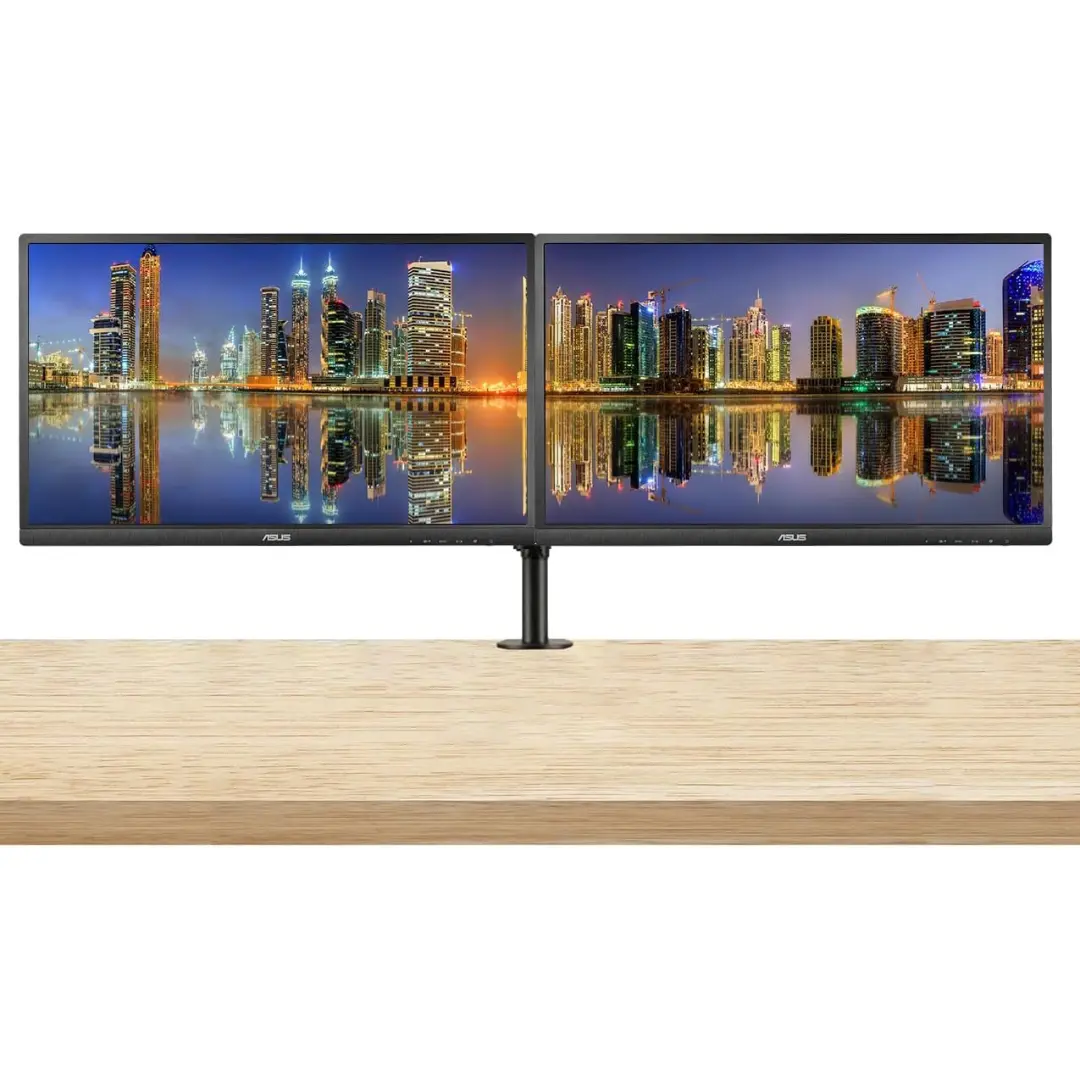
ASUS focuses its engineering on long-term wellness with the VY329HE. Aside from standard low blue-light properties, this monitor introduces a proprietary antibacterial treatment embedded directly into the bezels and hotkeys, paired with an enhanced color augmentation mode for color-deficient users.
Pros: Microbe-resistant treatment prevents bacterial buildup on frequently touched monitor buttons; Rest Reminder pop-ups prompt you to take eyes off the screen at set intervals; excellent motion handling with a brisk 1ms response time.
Cons: The large, angular base stand takes up a considerable amount of physical real estate on shallow desks; menu navigation via the back buttons feels clunky.
Acer 31.5-Inch KA320HQ bi: The No-Frills Utility
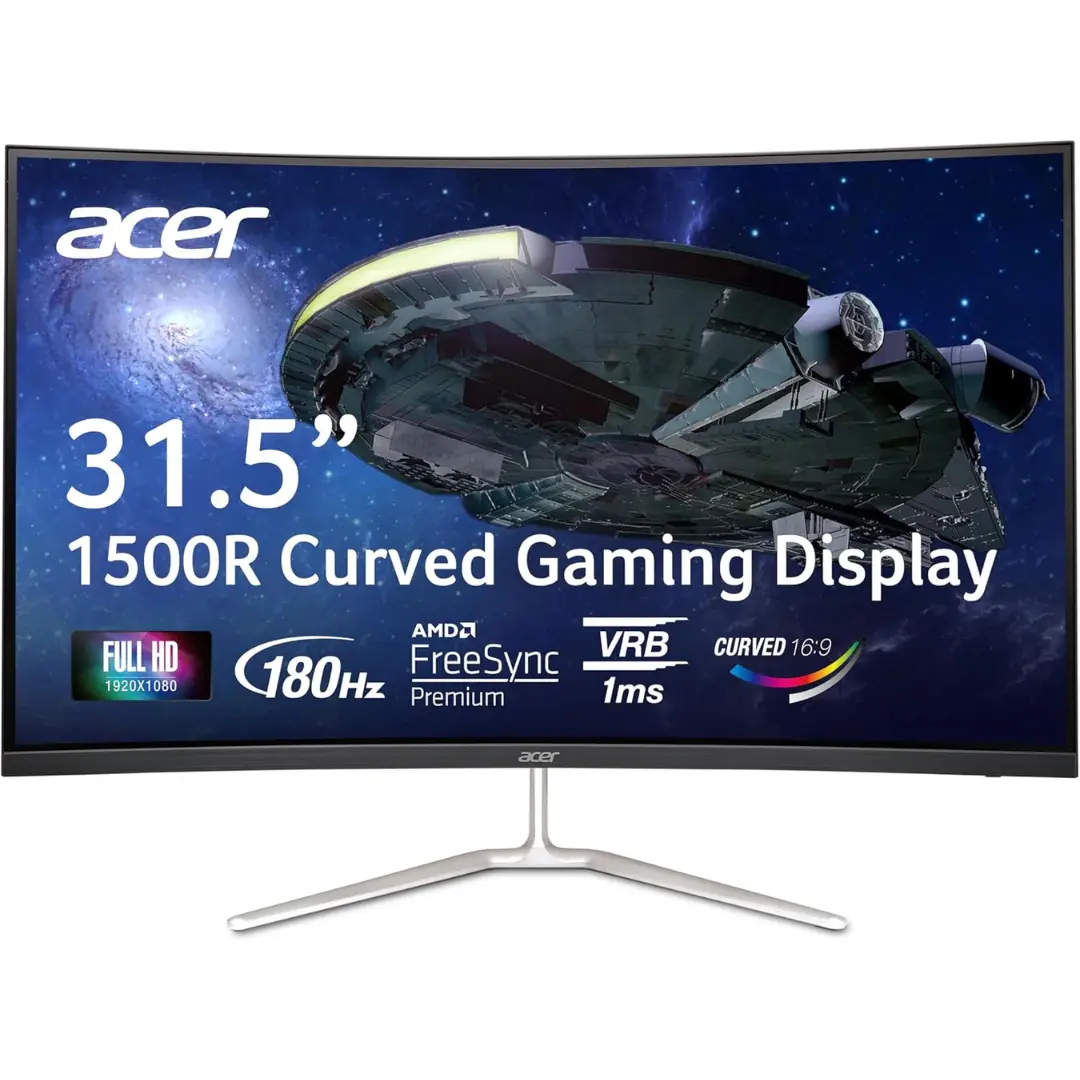
If your workload consists entirely of text processing, online research, and basic data entry, Acer provides a stripped-down, highly reliable option. It drops the gaming accents and secondary features to deliver a dependable, large-scale monitor that runs cool and draws minimal power.
Pros: Highly stable, rugged stand setup prevents the monitor from wobbling when typing heavily; anti-glare matte coating minimizes reflections from overhead office lights; budget-friendly bulk ordering for commercial spaces.
Cons: Capped at a standard 60Hz refresh rate, meaning cursor movements are slightly less fluid than 75Hz models; lacks a DisplayPort connection.
The Secret to Managing Pixel Density
When looking at a 32-inch monitor operating at a Full HD resolution, the most critical element to control is *pixel density*. Because the resolution has to stretch across a large physical surface area, the individual pixels are larger than they would be on a standard 24-inch panel.
To prevent text or lines from looking soft or fuzzy, the secret lies in your desktop layout. Ensure your viewing distance is at least 28 to 32 inches away from the glass. Pushing a model like the Samsung S30B or LG 32ML600M-B back toward the edge of your desk allows your eyes to naturally smooth out the pixel structure.
This gives you the comfortable, expansive viewing scale of a small TV without the eye strain of looking at pixelated text up close.
Best Overall
For the hybrid worker or student looking to dramatically open up their desktop workspace without stretching their budget, the Samsung 32-Inch S30B Business Monitor represents the definitive selection. While the LG model provides a slight edge in color space for specialized digital art, the Samsung delivers the deep 4,000:1 contrast and borderless structure necessary for heavy, multi-window office production.
Its clean aesthetic and smooth 75Hz motion ensure your workstation remains highly functional, organized, and professional from morning emails to evening streaming.
FAQs
Can I mount these large 32-inch monitors to a wall arm?
Yes. Most models in this tier, including the Samsung S30B and ASUS, feature industry-standard VESA 100 x 100 mm mounting patterns on the back. Just ensure that the monitor arm you purchase is rated to hold at least 11 to 13 lbs of weight.
Is a 75Hz refresh rate good for gaming?
It is a great entry point. While competitive eSports players prefer 144Hz or higher, moving from standard 60Hz to 75Hz offers a 25% increase in smooth motion. When paired with AMD FreeSync, games feel significantly more fluid and free of screen tearing.
Do these monitors have built-in webcams?
None of the budget models on this list feature an integrated camera or microphone. If you regularly participate in Zoom or Microsoft Teams calls, you will need to purchase a separate USB webcam to mount atop the upper bezel.
What is the difference between a VA panel and an IPS panel?
VA panels (like the Samsung and Sceptre) excel at contrast, providing deep blacks and bright whites that make text highly legible. IPS panels (like the LG and ASUS) prioritize wide viewing angles and highly vibrant, accurate colors, though their blacks can appear slightly gray in dark rooms.
Will these monitors work with an Apple MacBook?
Absolutely. You can connect a MacBook using a standard USB-C to HDMI or USB-C to DisplayPort cable. The macOS system will automatically recognize the display and adjust the scaling to fit the 1080p canvas.